

Product Suite
Prisme.ai’s products work seamlessly together while addressing specific needs:Agent Creator
Create, configure, and deploy AI agents without code
Knowledges
Build searchable document stores for your agents
Chat
Secure, enterprise-grade chat interface for AI
Builder
Build custom AI applications and workflows
Governe
Manage access, security, and compliance
Insights
Measure performance and impact of AI solutions
Products by User Role
Prisme.ai caters to different user roles within your organization:- End Users
- Business Users
- Developers
- IT & Administrators
End users primarily interact with:
- Chat for daily AI assistance
- Agent Creator to discover and use specialized agents
Product Integration
While each Prisme.ai product serves a specific purpose, they are designed to work together seamlessly. Here’s how they integrate:Common Integration Patterns
- Knowledge-Powered Agents
- Create document stores in Knowledges
- Build and configure agents in Agent Creator
- Connect knowledge bases to agents as capabilities
- Access through Chat
- Data-Driven Solutions
- Connect to structured data through Builder imports and workflows
- Build custom interfaces with Builder pages
- Track performance with Insights
- Enterprise Deployment
- Manage access with Governe
- Create and share agents through Agent Creator
- Monitor usage with Insights
Step-by-Step: Building a Knowledge-Powered Agent
This walkthrough shows how Knowledges, Agent Creator, and Chat work together:1
Create a knowledge base (Knowledges)
- Go to Create > Knowledges
- Click Create Knowledge Base
- Upload your documents or connect a data source
- Wait for documents to be processed and indexed
2
Create an agent (Agent Creator)
- Go to Create > Agent Creator
- Click Create Agent
- Choose a profile (Light Agent works well for RAG)
- Write instructions explaining the agent’s purpose
3
Connect knowledge to agent (Agent Creator)
- Open your agent’s Capabilities section
- Click Add Capability
- Select your knowledge base from the list
- Save the capability
4
Test and refine (Agent Creator)
- Open the Playground
- Ask questions that should use the knowledge base
- Verify the agent retrieves relevant information
- Adjust instructions if needed
5
Share and use (Chat)
- Publish the agent in Settings > Sharing
- Users find it in the Store
- They start conversations from Chat
The Three-Product Flow
- Knowledges stores and indexes your documents
- Agent Creator configures how the agent uses that knowledge
- Chat is where users interact with the finished agent
Getting Started with Prisme.ai Products
1
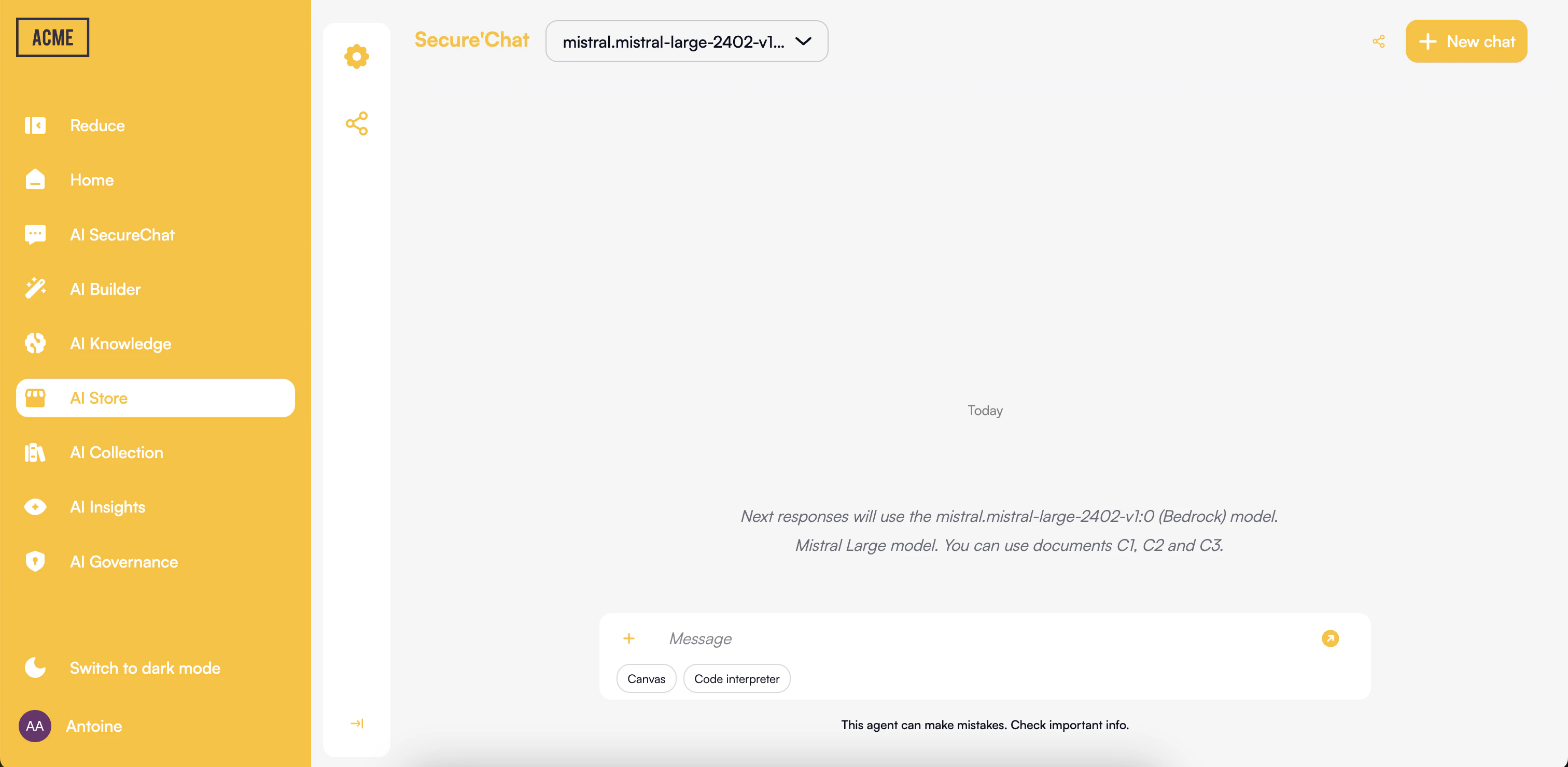
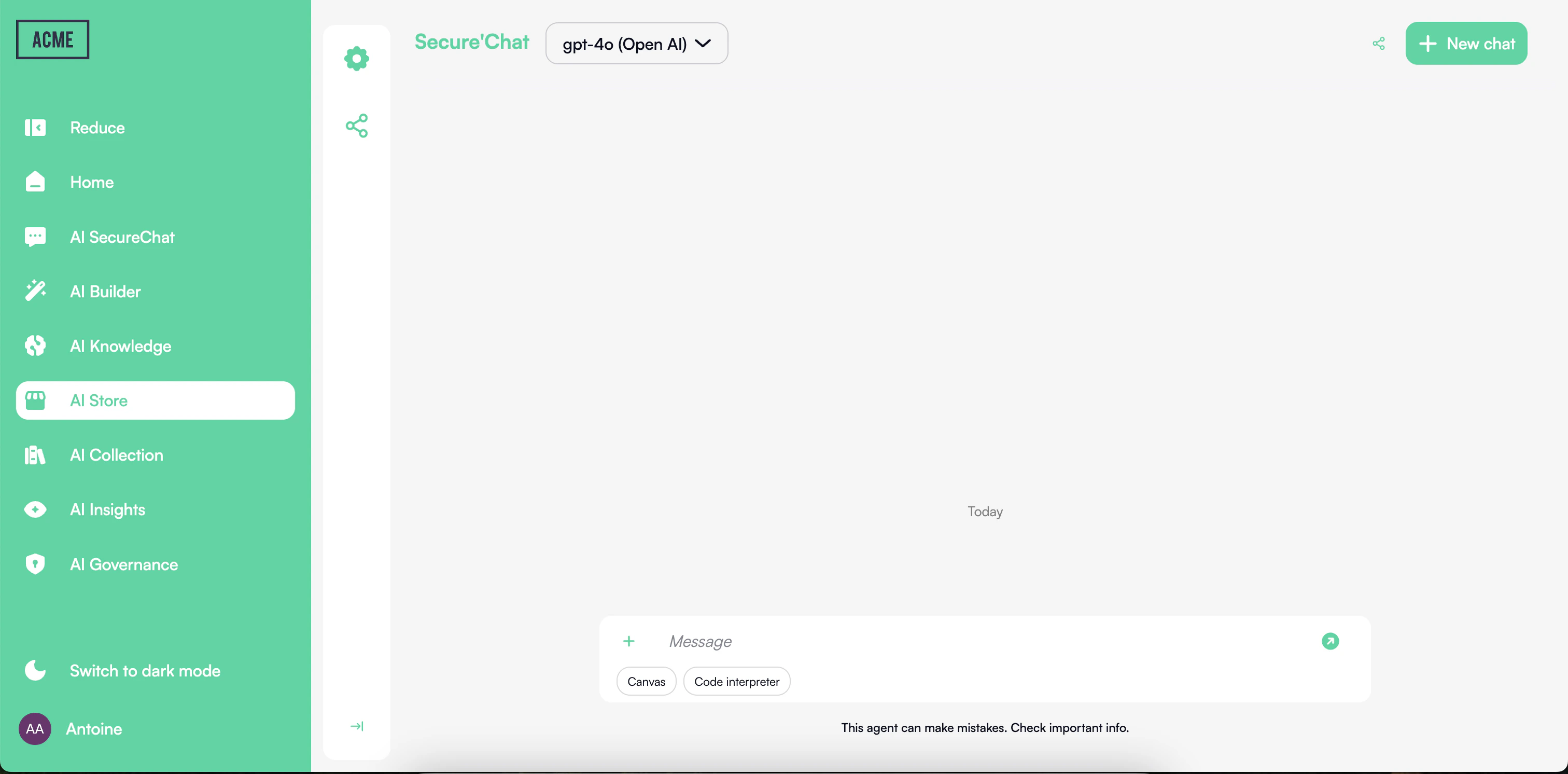
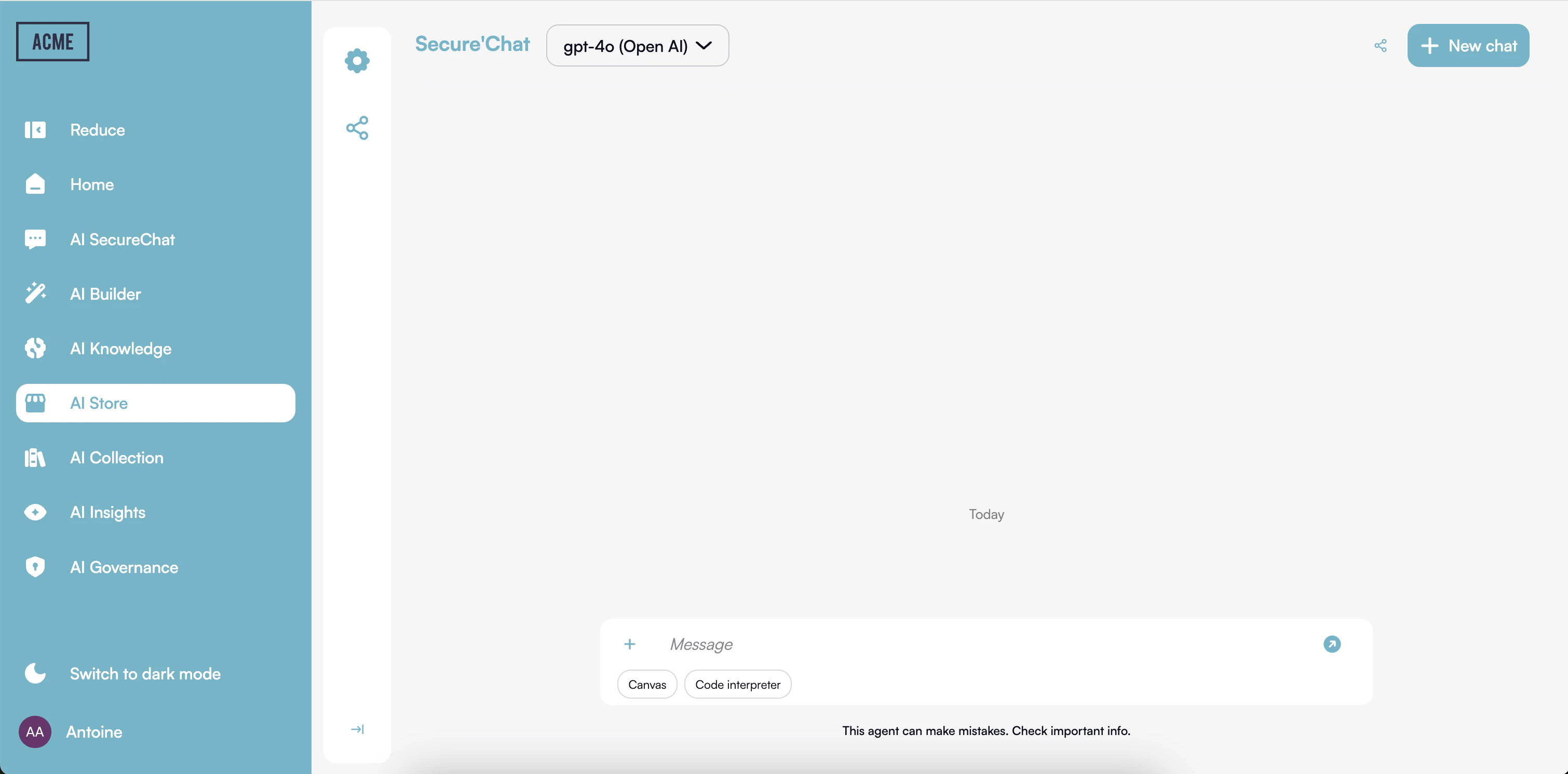
Customize the Look & Feel in 2 Minutes
Want to align the platform’s appearance with your brand? With Prisme.ai, it only takes two minutes to update the logo, primary color scheme, and interface styles—directly from the Governe product, with no technical skills required.
Here’s what you can easily customize: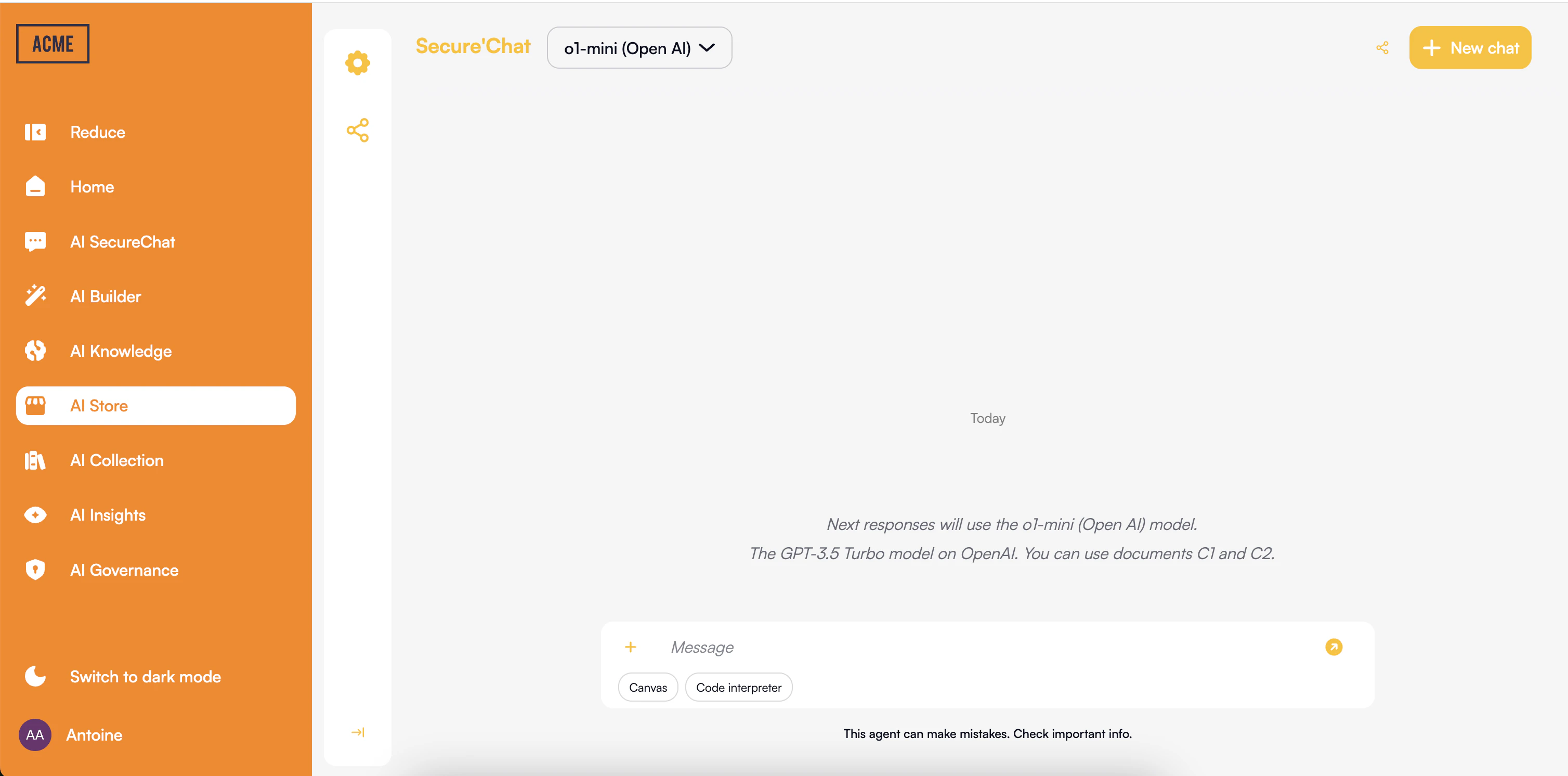
2
Begin with Chat
Start by experiencing Prisme.ai through the Chat interface. This will give you a hands-on understanding of the platform’s capabilities.Explore Chat →
3
Discover or create agents
Open Agent Creator to browse existing agents or create your own. Find agents shared by colleagues or build one tailored to your needs.Open Agent Creator →
4
Add knowledge to your agents
Use Knowledges to create document stores, then connect them to your agents. This enables agents to answer questions grounded in your organization’s content.Learn about Knowledges →
5
Expand to advanced use cases
As you become more familiar with the platform, explore Builder for structured data workflows, custom solutions, and governance tools to manage your AI ecosystem.Discover advanced products →
Product Comparison
| Product | Primary Users | Key Capabilities | Technical Expertise Required |
|---|---|---|---|
| Chat | All employees | Conversational AI, document processing, Canvas collaboration | None |
| Agent Creator | All employees, Business users | Agent creation, configuration, discovery, testing, sharing | None-Low |
| Knowledges | Business users | Document stores, RAG, connectors | Low |
| Builder | Developers, Technical users, Analysts | Custom applications, integrations, structured data workflows, workflow automation | Medium-High |
| Governe | IT Administrators, Compliance officers | Access control, monitoring, compliance management | Medium |
| Insights | Business users, Analysts | Usage metrics, performance analysis, ROI tracking | Low |
Next Steps
Explore each product in detail to understand its capabilities and how it can address your specific needs:Agent Creator
Create and manage AI agents without code
Knowledges
Build document stores for your agents
Chat
Secure conversational interface for all users
Builder
Custom AI application development
Governe
Security, compliance, and access management
Insights
Performance measurement and analytics