

Key Concepts
Organizations
An Organization is the primary tenant unit in Prisme.ai. Each organization contains:- Members with assigned roles
- Groups for bulk member management
- Roles defining permissions
- API Keys for programmatic access
- Service Accounts for machine-to-machine authentication
- Subscriptions with usage quotas
Two Administration Levels
Governe serves two distinct user groups:Features at a Glance
Identity & Access
Members, groups, roles, permissions, SSO, and join rules
Model Governance
Control which AI models are available and set usage policies
Capabilities Catalog
Manage MCP servers, tools, guardrails, and skills
Observability
Monitor performance, errors, costs, and request traces
API Keys & Service Accounts
Programmatic access with scoped permissions
Quotas & Subscriptions
Usage limits, rate controls, and billing tiers
Branding & Navigation
Customize appearance, logos, and menu structure
Audit Logs
Track all administrative actions for compliance
Navigation Structure
When you open Governe, the sidebar shows organization sections:
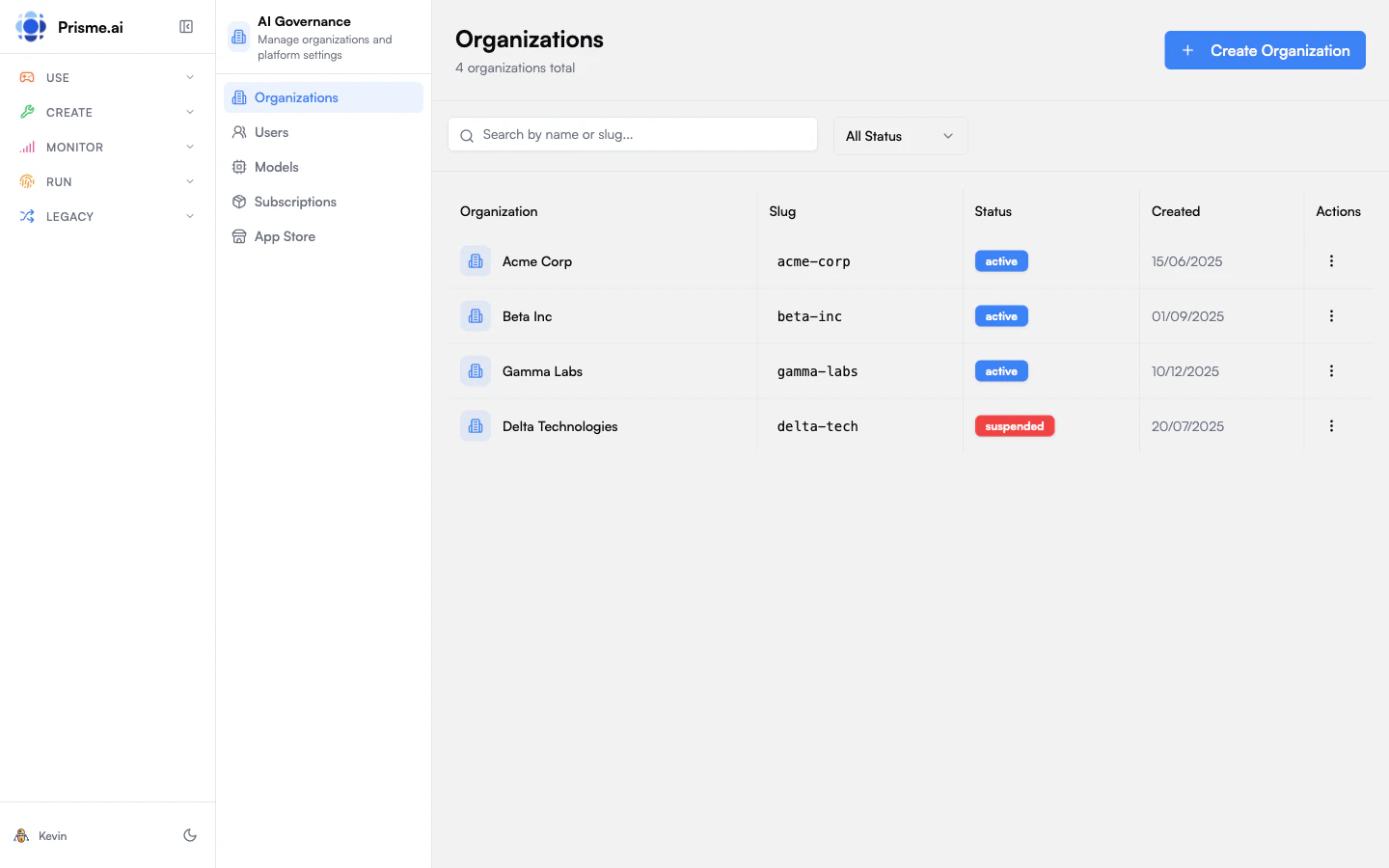
Platform admins see additional sections for managing all organizations, users, models, and subscriptions.
Getting Started
1
Access Governe
Navigate to Apps > Governance from the platform sidebar, or go directly to
/apps/ai-governance.2
Select Your Organization
If you belong to multiple organizations, select the one you want to manage from the dropdown.
3
Review the Dashboard
The Overview page shows member count, role count, API keys, and usage quotas at a glance.
4
Configure Access
Start by setting up roles, inviting members, and configuring SSO if needed.
Who Uses Governe?
- IT Administrators
- AI Operations
- Security Teams
- Platform Admins
- Manage organization members and access
- Configure SSO with corporate identity providers
- Create API keys for integrations
- Monitor usage and enforce quotas
Next Steps
Identity & Access
Members, roles, groups, SSO, and permissions
Model Governance
Control AI model access and usage policies
Capabilities
MCP servers, tools, and guardrails catalog
Observability
Monitoring, metrics, and request tracing